Managed IT for SMEs: 5 Signs It's Time to Make the Switch
When should your SME switch to managed IT services? The 5 warning signs to watch for: recurring outages, untested backups, overdue updates. Self-assessment included.
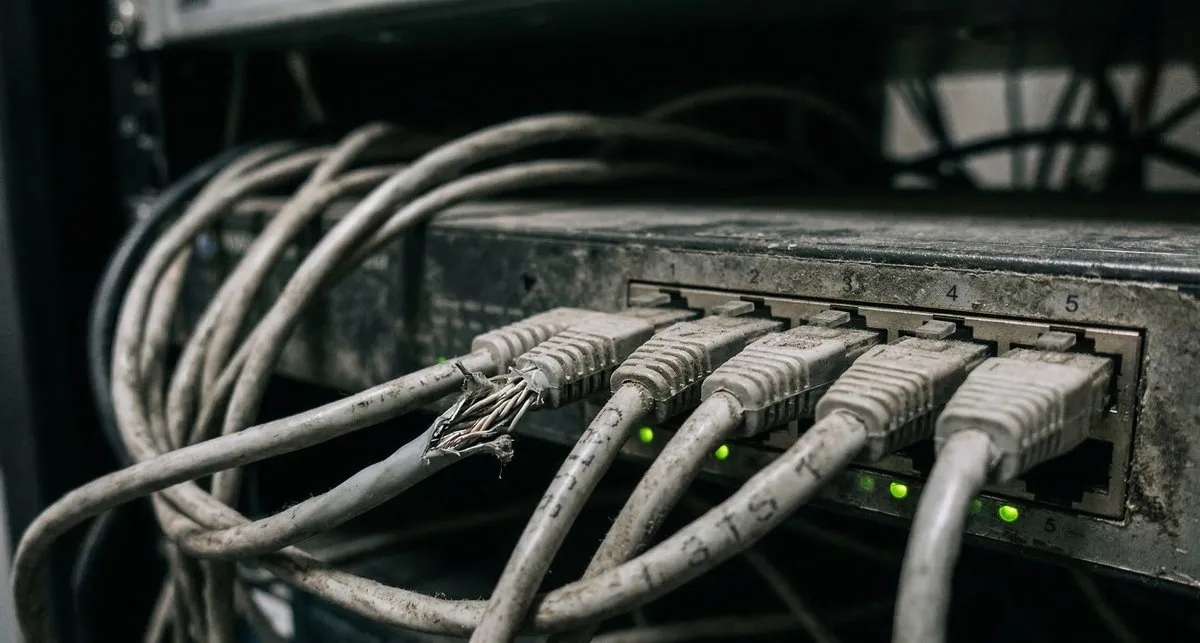
Is your IT held together with duct tape?
That’s not a criticism — it’s a common reality. In many SMEs with 10 to 50 workstations, IT runs on a wing and a prayer — no real supervision, no documentation, no backup plan. And when something breaks, everything stops.
Here are the 5 warning signs that it’s time to move to a managed IT services contract — also known as managed services.
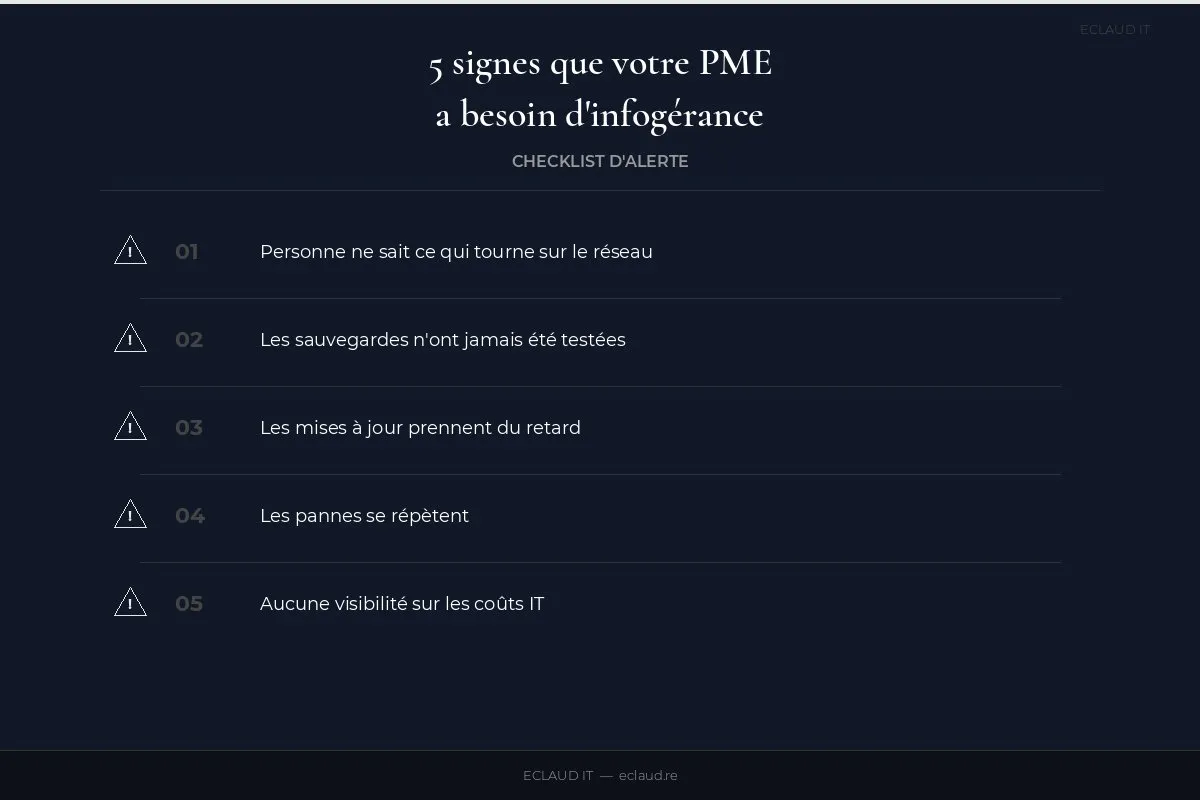

1. Nobody really knows what’s running on the network
No hardware inventory, no network documentation, no access mapping. The day your “IT point person” is absent, nobody can step in. This is warning sign number one: your infrastructure relies on a person, not a process.
This scenario is more common than you’d think. An employee who “handles IT on the side” accumulates implicit knowledge of the infrastructure — passwords in an Excel file, configurations kept in their head, remote access never documented. When that person is absent, on sick leave, or on holiday, the company is left blind. And if they leave permanently, the knowledge transfer simply doesn’t happen.
A well-managed infrastructure is a documented infrastructure: up-to-date hardware inventory, network diagram, access register, intervention history. This documentation belongs to the company — not to the person who administers it. A serious managed IT provider produces and maintains this documentation continuously, using tools accessible to the client at all times.
Possible consequences of undocumented infrastructure include slower interventions, security risks from accounts that were never revoked, and difficulty auditing an incident or compliance review.
2. Backups have never been tested
You have a NAS, an external hard drive, maybe a cloud service. But when was the last time you tested a full restore? A backup that has never been restored is not a backup — it’s wishful thinking.
The problem is systemic. The backup runs every night, no errors appear in the logs, and everyone assumes “it’s fine.” But silent failures exist: incomplete backup sets, corrupted data, software versions incompatible with the restore target. Without testing, you simply don’t know.
43% of SMEs that suffer a major data loss never reopen (UK Chamber of Commerce, 2024). This figure isn’t an exaggeration — it’s the result of businesses that thought they were protected and weren’t.
A managed IT provider schedules regular restore tests, documents the results, and alerts you if an anomaly is detected. This isn’t a luxury — it’s the bare minimum to claim a backup is reliable. France’s national cybersecurity agency, the ANSSI (Agence Nationale de la Securite des Systemes d’Information), explicitly recommends periodic restore testing and keeping an isolated copy separate from the main network.
3. Updates are falling behind
Windows Update has been postponed for 3 months. The firewall firmware dates back to 2023. Workstations are still running Office 2016. Every delayed update is an open security vulnerability.
This isn’t about negligence — it’s about priorities. In an SME without dedicated IT resources, updates always take a back seat to the urgency of the moment. And there’s always something urgent.
The problem: unpatched security vulnerabilities are exploited very quickly after publication. A report by Qualys shows that 50% of active exploits occur within 15 days of a patch being published. In other words, delaying an update by a month means remaining exposed for a month to a known, publicly documented vulnerability.
A managed IT provider handles patching proactively — outside working hours, with pre-deployment testing to avoid regressions, and by prioritising critical security patches. It’s a repetitive, technical, and time-consuming task that lends itself perfectly to outsourcing.
4. The same breakdowns keep happening
The same workstation crashes every week. The Wi-Fi drops out at 2pm when everyone’s connected. The network printer disappears regularly. These recurring failures are symptoms of a structural problem, not a run of bad luck.
The difference between a one-off failure and a structural problem is recurrence. A one-off breakdown happens. A workstation that restarts every week is a signal — a failing hard drive, a corrupted driver, overheating, a memory issue. But without monitoring, nobody connects the dots between incidents, nobody documents the patterns, and everyone keeps “fixing” instead of solving.
Managed IT introduces proactive management: monitoring tools detect anomalies before they cause a breakdown (disk temperature, saturated memory, degraded network performance). An alert is raised, a preventive intervention is scheduled — before the workstation goes down and blocks the employee.
The cost of inaction should be calculated from your own data: interruption duration, employees blocked, delayed sales or production, and recovery effort. This estimate helps select a proportionate SLA.
5. You have zero visibility on IT costs
A repair here, a licence there, a replacement hard drive. Without a structured contract, IT expenses are unpredictable — and often higher than a monthly managed IT plan.
Reactive IT management generates three types of hidden costs: premium rates for emergency interventions (often 30 to 50% above standard rates), rush hardware replacements without comparison shopping, and unmeasured productivity losses. These costs are invisible because they’re spread over time and charged to different budgets.
A managed IT contract converts these variable expenses into a fixed, predictable monthly charge. You can budget IT like any other operating cost. And the provider, paid on a fixed fee, has a vested interest in keeping your infrastructure stable — their business model is aligned with yours.

Self-assessment: how many warning signs do you recognise?
Before contacting a provider, take stock. Count how many of these situations apply to your SME:
- Nobody can list all the equipment in the IT inventory
- There is no up-to-date network diagram
- Admin passwords are stored in an Excel file or on a sticky note
- Backups have never been tested with an actual restore
- At least one workstation is running Windows 10 without the latest updates
- The firewall firmware hasn’t been updated in over 6 months
- The same workstation or device breaks down more than once a month
- You don’t know how much you’ve spent on IT in the last 12 months
- The “IT contact” is actually the accountant, the office manager, or the business owner
- No backup restore test has been performed in the last 6 months
0 to 2 signs: your IT management is adequate. An annual audit is enough to stay on track.
3 to 5 signs: gaps exist. Outsourced maintenance can address the most urgent issues without committing to full managed services.
6 or more signs: your infrastructure is fragile. Managed IT is no longer optional — it’s a necessity. Every month without supervision increases the risk of a major incident.
This quick assessment doesn’t replace a professional audit, but it gives you a first indication of how urgent the situation is. If you recognise 3 or more signs, the question isn’t “should we switch to managed IT?” but “when?”
What does a managed IT contract for SMEs actually include?
A managed IT contract replaces ad-hoc management with a clear framework: monitoring during agreed coverage hours, preventive maintenance, support and documentation. Pricing depends on the inventory, hours, responsibilities, tools and SLA written into the quote.
What a comprehensive managed IT contract typically covers: infrastructure monitoring, update management, backup and restore testing, user support (phone and remote), on-site interventions per SLA, licence management and hardware lifecycle planning, and ongoing documentation.
What it typically doesn’t cover: application development, website redesign, or new hardware installations outside the defined scope. Read the exact scope before signing — that’s where the surprises hide.
For a detailed cost comparison between in-house management and outsourced maintenance, see our article on outsourcing IT maintenance for SMEs.
Our managed IT offering presents the topics to scope. You can also request a scoping discussion; responsibilities, deliverables and the quote are confirmed before work starts.
See also: Outsourcing IT maintenance: costs, SLAs and methodology, our comprehensive SME backup guide, our IT audit checklist, and our secure remote working guide. To understand the differences between offerings, visit our page on the difference between managed IT and maintenance.
Frequently asked questions
How much does a managed IT contract cost for an SME?
Cost depends on workstations and sites, servers, licences, backups, support hours and service objectives. Compare quotes based on the same inventory and check exclusions before signing.
Does managed IT include cybersecurity?
It depends on the contract level. Basic managed IT includes security update management and managed antivirus. Advanced managed IT adds EDR (Endpoint Detection and Response), threat monitoring, identity and access management, and sometimes an outsourced SOC. Cybersecurity can also be covered by a separate, complementary contract. Clarify this before signing: explicitly ask what’s included and what requires a separate quote.
Can you easily terminate a managed IT contract?
Managed IT contracts typically include a minimum commitment period (12 to 24 months) and a notice period for termination (1 to 3 months). This isn’t an unfair practice — it’s tied to the time needed to onboard the infrastructure and produce the initial documentation. Before signing, check the exit conditions: who keeps the documentation? Are passwords and access credentials returned to you immediately? A good provider welcomes these questions without hesitation.
What’s the difference between managed IT and IT maintenance?
IT maintenance is corrective and preventive: it intervenes when something breaks down, or anticipates breakdowns through regular checks. Managed IT goes further — it includes ongoing infrastructure management, reporting, IT strategy, and shared responsibility for system availability. Maintenance is a subset of managed IT. For an SME without internal IT, managed services are often the best-suited solution because they cover all aspects of IT management in a single contract.